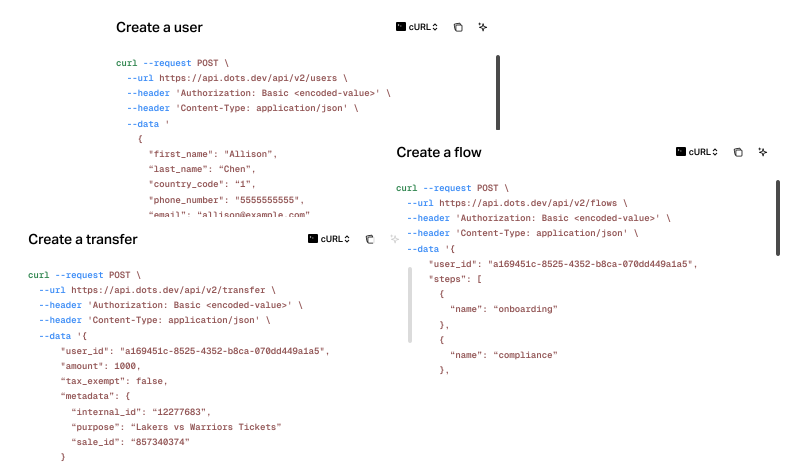
Create and manage payouts from your agent.
How to set up Dots CLI
Install the npm package with Node.js 18 or later.
npm install --global @usedots/cliSign in and choose the Dots App your agent can access.
dots loginRun `dots skill install` to add the Dots skill to your agent.
dots skill installAsk your agent to list recent transfers and confirm the connection works.
dots --json transfers listAutomate the payout work you do every day
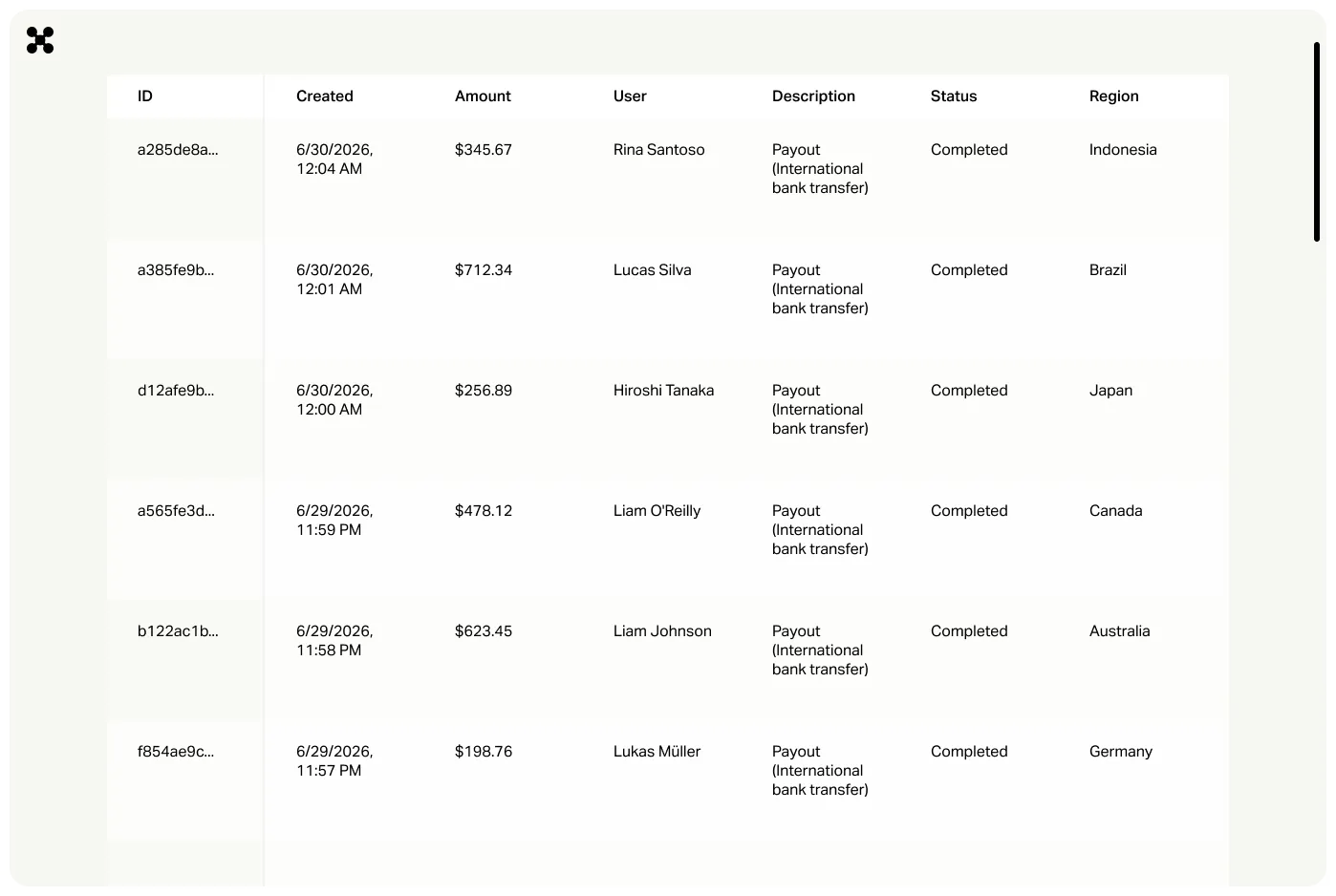
Your agent can handle payouts without opening the Dots Dashboard.
Send payouts

Manage your payees
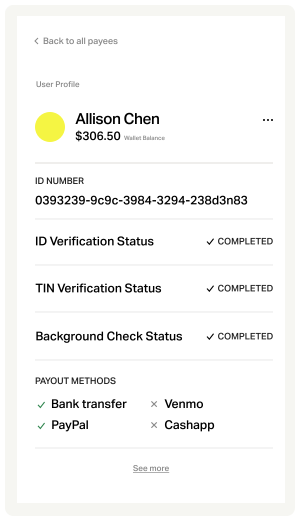
Ask your agent to find a payee and get the details you need.
Every payout still needs your approval
Your agent can prepare a payout, but sending it requires your confirmation. Set its access to match the job, from view-only to broader permissions with payouts blocked.